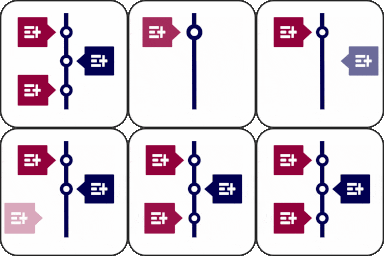
Timeline Widget For Elementor (Elementor Timeline, Vertical & Horizontal Timeline)
View on WordPress.orgScores higher than 93% of indexed plugins
About
Highlight your company’s history, milestones, and key events directly inside Elementor using stunning vertical and horizontal timelines.
Security History
What It Does
Timeline Widget For Elementor adds a dedicated timeline widget to the Elementor page builder, letting you create both vertical and horizontal timelines to showcase company history, project roadmaps, or chronological events. You drop the widget into any page, add entries with dates, titles, and descriptions, and style them using Elementor's standard controls. It is a presentation layer for storytelling, not a backend logging or audit tool.
Who It's For
This plugin is best suited for Elementor-based marketing sites, agencies, and small businesses that want to visually communicate milestones, product roadmaps, or company history without writing custom code. It fits teams that already use Elementor and need a lightweight, design-controlled timeline block rather than a full content type or CMS feature.
Who Should Skip It
If you are not already using Elementor, or if you need a timeline backed by a custom post type with categories, archives, and shortcodes across the site, this widget alone will feel limiting. Developers looking for an audit log or activity tracker should look at the alternatives instead, since this plugin is purely a visual element.
The Bottom Line
Timeline Widget For Elementor is a focused, well-maintained widget that delivers exactly what it promises: clean vertical and horizontal timelines inside Elementor, with strong user ratings and a near-perfect quality score of 83.6 out of 100. Its main limitation is scope, since it does not create a timeline content type or work outside Elementor, so power users may outgrow it. For most Elementor sites that need a visual roadmap or company history block, it is a safe, low-risk choice.
Related Plugins
Pick this if you actually need a backend activity and audit log rather than a front-end visual timeline.
Choose this for enterprise-grade user action monitoring, security auditing, and compliance logging across a multisite network.
Pick this if you want a full custom-post-type timeline with shortcodes, categories, and pages outside the Elementor editor.
Choose this lightweight alternative if you only need vertical layouts and want a simpler, more focused widget.
Pick this for tracking who logged in, when, and from where rather than displaying any kind of public-facing timeline.