Cool Timeline (Horizontal & Vertical Timeline)
View on WordPress.orgScores higher than 83% of indexed plugins
About
Showcase your story or company history, events, and roadmap in an interactive timeline using the powerful Cool Timeline plugin.
Security History
What It Does
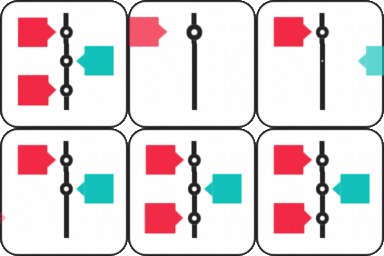
Cool Timeline lets WordPress site owners build visual vertical or horizontal timelines to display company histories, product roadmaps, milestones, or event sequences. You create timeline entries through a custom post type, then place them on pages and posts using shortcodes or a block. The plugin ships with several styling presets and animation options for customizing the look.
Who It's For
This plugin is a good fit for small business sites, agencies, non-profits, or personal blogs that need to present dates, events, or progress in a chronological visual format without writing custom code. It works well for landing pages highlighting a company journey, course outlines, or product release roadmaps. Sites already using a page builder like Elementor may get less value since dedicated timeline widgets exist for that ecosystem.
Who Should Skip It
Anyone only looking for a basic list of dates, an activity log, or change auditing of their WordPress site should skip this plugin and use Simple History or WP Activity Log instead. If you already build pages in Elementor and only need a timeline widget there, the Timeline Widget For Elementor addon will be lighter and more integrated.
The Bottom Line
Cool Timeline earns an overall score of 80.86 out of 100, driven by excellent maintenance, high user satisfaction, and solid compatibility. The plugin does a focused job well for anyone needing a visual timeline without custom development. The only real caveat is its niche scope, so make sure your use case is genuinely about storytelling or roadmaps and not site auditing.
Related Plugins
Choose Simple History if your real goal is auditing user actions and site changes rather than displaying a public-facing visual timeline.
Pick WP Activity Log for enterprise-grade monitoring of logins, content edits, and plugin activity, not for marketing-style timelines.
Go with this Elementor addon if you build pages entirely in Elementor and want timeline rendering handled inside the same editor.
Pick this lightweight Elementor widget if you only need a simple vertical timeline and want to avoid a full timeline plugin.
Use User Login History when your focus is tracking logins and user sessions rather than presenting a public chronology of events.